













Wearable devices are becoming more than fitness trackers and notification screens. A new group of products can capture a spoken thought, understand what the wearer is looking at, detect a finger movement, or turn a subtle muscle signal into a command.
At Global Sources Hong Kong 2026, our Grepow team observed this shift across AI recording pendants, smart pens, camera-equipped glasses, control rings, and screenless wrist-worn devices. These products did not share one form factor, but they all addressed the same question: How can people communicate with intelligent software without repeatedly reaching for a phone? (Grepow: Global Sources Hong Kong 2026 Mobile Electronics Trends)
Quick Answer: An AI wearable input device is body-worn hardware that captures human intent or real-world context and sends that information to an intelligent system. It may collect voice, images, handwriting, touch, motion, or muscle activity, while the actual processing takes place on the wearable, a connected phone, or the cloud.

What Is an AI Wearable Input Device?
"AI input device" is a useful umbrella term rather than an established retail category. Consumers are more likely to encounter product names such as AI voice recorder, wearable note taker, smart glasses, gesture control ring, or neural wristband.
What connects these products is their position at the beginning of the interaction:
Human intent or environment — sensor capture — digital processing — AI interpretation — result or action
The wearable does not necessarily run a large AI model itself. Its main job may be to capture clean, relevant information at the right moment and pass it to another device for processing.
This distinction matters because multimodal systems can work with several forms of data, including text, audio, images, and video. A wearable gives those systems access to information that a keyboard or touchscreen cannot capture as naturally. (Stanford Institute for Human-Centered AI: What Is Multimodal AI?)
Interest in these products is growing, although the winning form factor remains unsettled. Deloitte identifies recording pendants, translation glasses, and screenless voice devices as emerging AI-native hardware while also noting that privacy, usefulness, and the burden of carrying another device will determine adoption. (Deloitte Tech Trends 2026)
Four Main Types of AI Wearable Input
The category is easier to understand when it is divided by what the device captures. Some products use only one input method, while others combine several.
1. Voice Input
Voice is currently the most commercially mature wearable input method. It appears in recording cards, clip-on recorders, pendants, earbuds, rings, and AI pens.
The hardware usually includes a microphone, physical activation control, local storage, and a Bluetooth or Wi-Fi connection. After recording, software can convert the audio into a transcript, summary, task list, translation, or searchable note.
A good voice-input product reduces the effort required to capture an idea. It should also make the recording state obvious. A physical button is particularly useful because it provides a clear beginning and end instead of leaving the user unsure whether the microphone is active.
Commercial products already demonstrate how the form factor affects power design. Flowtica Scribe, for example, combines a writing instrument with a MEMS microphone, Bluetooth connectivity, 32GB storage, and a 280mAh battery rated for up to 30 hours of continuous recording. (Flowtica Scribe Product Specifications)
2. Vision Input
Vision input allows a system to interpret what the wearer sees. The most recognizable examples are AI glasses with a point-of-view camera.
A user might look at a sign and request a translation, ask for information about an object, document a repair, scan text, or capture a photo without holding a phone. The value comes from the camera's position: It follows the user's line of sight and leaves both hands available.
Vision hardware usually works alongside microphones, touch controls, buttons, motion sensors, and audio feedback. Android's design guidance for AI glasses identifies the POV camera, microphone, inertial measurement unit, camera button, touchpad, voice, and physical gestures as complementary input sources. (Android Developers: AI Glasses Inputs)
This makes AI glasses a multimodal interface rather than simply a wearable camera. It also creates a demanding power profile when image capture, wireless transmission, audio, and processing operate at the same time.
3. Gesture and Touch Input
Voice is not appropriate in every setting. Users may not want to speak during a meeting, on public transportation, or in a quiet workplace. Small wearable controllers can provide a more discreet alternative.
A control ring or an AI gesture ring is different from a smart ring; it can use buttons, capacitive touch, or an inertial sensor to recognize taps, swipes, pointing movements, and rotation. These gestures can confirm an action, scroll through information, activate a camera, or navigate an interface on connected glasses. (AI gesture ring vs Smart ring: What is the difference?)
The input bandwidth is lower than a touchscreen, but the intent can be clearer. Microsoft Research tested a wearable ring that combined touch input, a microphone, and haptic feedback for screenless agent interaction. Participants valued the convenience for simple tasks but wanted stronger feedback before trusting the system with complex actions. (Microsoft Research: AI at Your Fingertips)
This highlights an important design rule: A wearable controller needs an output channel too. A vibration, tone, light, or connected display should confirm that the command was received and indicate whether it succeeded.

4. EMG and Neural Input
Some wristbands use surface electromyography, or sEMG, to detect electrical activity produced when muscles activate. Software can translate those signals into commands associated with subtle finger or hand movements.
This approach could let someone scroll, click, or select an item without touching the glasses or making a large visible gesture. It may also improve accessibility for users who cannot perform conventional controller movements.
Despite the term "neural wristband," sEMG is not the same as a brain-computer interface. It measures muscle activation near the wrist; it does not read brain activity or inner thoughts. Meta's technical explanation explicitly distinguishes peripheral sEMG from implantable BCIs. (Meta Reality Labs: Human-Computer Input via a Wrist-Based sEMG Wearable)
That distinction should be stated clearly in product descriptions. Treating every muscle-sensing controller as a BCI may attract attention, but it creates inaccurate expectations.
How AI Wearable Input Devices Work
Most of these products follow a similar sequence:
The user presses, speaks, looks, writes, or makes a gesture.
A microphone, camera, touch sensor, IMU, or EMG sensor captures the input.
The wearable stores or preprocesses the data.
Bluetooth or Wi-Fi transfers it when outside processing is required.
A phone, edge processor, or cloud service interprets the input.
The device provides visual, audio, or haptic feedback.
Moving all intelligence into the wearable is not always the best approach. It may increase processor load, heat, battery size, and development cost. A smaller device can instead focus on reliable capture and let the phone handle transcription, models, application integration, and network access.
Pebble's Index 01 demonstrates this divided architecture: The ring detects a button press, records and stores audio, and transfers it through Bluetooth, while the connected phone performs transcription and assistant functions locally or in the cloud. (Pebble Developers: Index 01 Architecture)
The right processing split depends on response time, privacy, connectivity, and power consumption. A voice reminder may work well through a phone, while time-sensitive industrial or accessibility applications may require more local processing.
What Makes the Experience Work?
Adding a microphone or camera does not automatically create a useful input device. From our perspective, four design qualities matter most:
Low-friction activation: The product should be ready before the moment or idea is lost.
Clear feedback: Users need to know when capture begins, what the system understood, and whether an action succeeded.
Visible privacy boundaries: Physical controls and recognizable status indicators reduce uncertainty for the wearer and nearby people.
Workflow integration: Captured information should reach useful destinations such as notes, calendars, CRM systems, translation tools, or field-service records.
Privacy is especially important for voice and vision products. The U.S. Federal Trade Commission recommends physical microphone controls and clear light or sound indicators so users can recognize when a voice device is listening. (Federal Trade Commission: How to Secure Your Voice Assistant and Protect Your Privacy)
Why Battery Design Matters
Wearable input hardware creates an unusual combination of long standby periods and short, active workloads. A microphone may remain available for quick activation, while recording, camera use, wireless synchronization, haptic feedback, and local processing produce higher loads.
The highest-capacity cell is not automatically the best choice. More capacity usually requires more space and weight, which can make glasses unbalanced, a pendant bulky, or a ring uncomfortable. A successful design balances usable runtime with the device's shape, operating temperature, charge time, and wearing position.
In one recording pendant we verified after the Hong Kong show, the battery capacity was 180mAh. That example demonstrates that a focused capture device can operate in the low-hundreds-of-mAh range, but it should not be treated as a universal specification. Runtime still depends on microphone operation, storage, wireless transfer, processor activity, and firmware.
Research on wearable electronics identifies miniaturization, battery life, and wireless power consumption as persistent system-level constraints, especially when Bluetooth or Wi-Fi must operate within a small enclosure. (ACS Applied Materials & Interfaces: Advances and Challenges in Wearable Sensors for Health Monitoring)
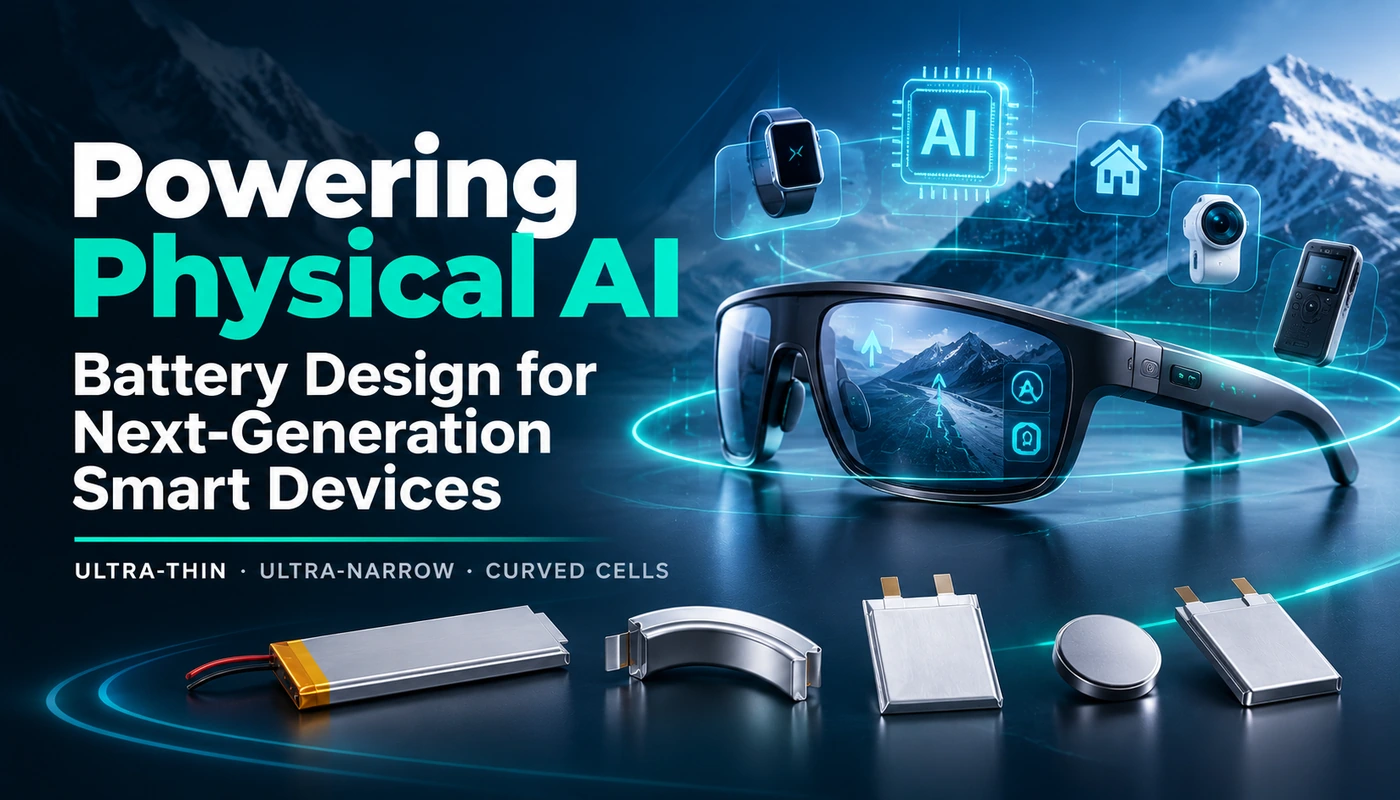
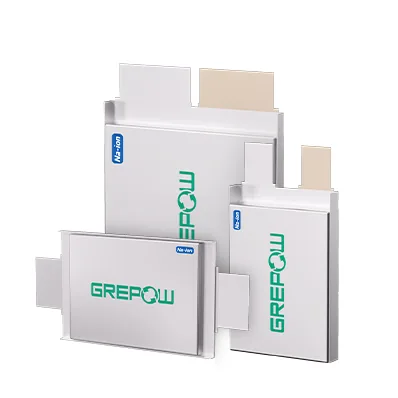
At Grepow, we therefore begin with the measured device load and available internal space. A standard miniature pouch or rechargeable coin cell may be sufficient when the enclosure can accommodate it. Custom dimensions or shapes become relevant when the industrial design creates narrow, round, curved, or highly irregular battery space.
Our current solutions cover wearable AI voice recorders, smart glasses, and compact wearable controllers. For development projects, we evaluate cell geometry, capacity, peak current, charging rate, protection requirements, weight, and expected operating conditions together.
Conclusion
AI wearable input devices are best understood as the physical connection between people, their surroundings, and intelligent software. Voice devices capture thoughts and conversations. Glasses add first-person visual context. Rings provide discreet touch and gesture control, while EMG wristbands translate muscle activity into digital commands.
For product teams, the opportunity is not simply to place AI inside another wearable. The real task is to create an input experience that is faster than taking out a phone, clear enough to earn user trust, and efficient enough to work within a small and comfortable form factor.
FAQ
Are AI wearable input devices always listening or recording?
No. Many products use a button, touch gesture, or wake command to begin capture. Buyers should check how activation works, whether the device provides a visible or audible recording indicator, and how stored data can be deleted.
Which wearable input device is most useful for everyday consumers?
It depends on the task. Voice recorders suit meetings and personal notes, while AI glasses support visual questions and hands-free capture. Rings and wristbands are better suited to discreet control of phones, glasses, or screenless assistants.
How should an OEM estimate battery capacity for a multimodal input device?
Start with measured current in standby, recording, processing, transmission, and feedback modes. Combine those figures with expected daily usage, conversion losses, reserve capacity, aging targets, and the required runtime instead of selecting a cell from capacity alone.
When does a wearable input device need a custom-shaped battery?
Customization is justified when a standard cell cannot meet the available dimensions, weight distribution, runtime, or peak-current requirement. If a proven standard pouch or coin cell fits the enclosure and workload, it may offer a faster and more economical development path.
What information should we provide before requesting a wearable battery recommendation?
Provide the available battery envelope, target runtime, average and peak current, charging method, device weight target, operating temperature, expected cycle life, and prototype schedule. A 3D enclosure drawing and measured load profile make early battery evaluation more accurate.